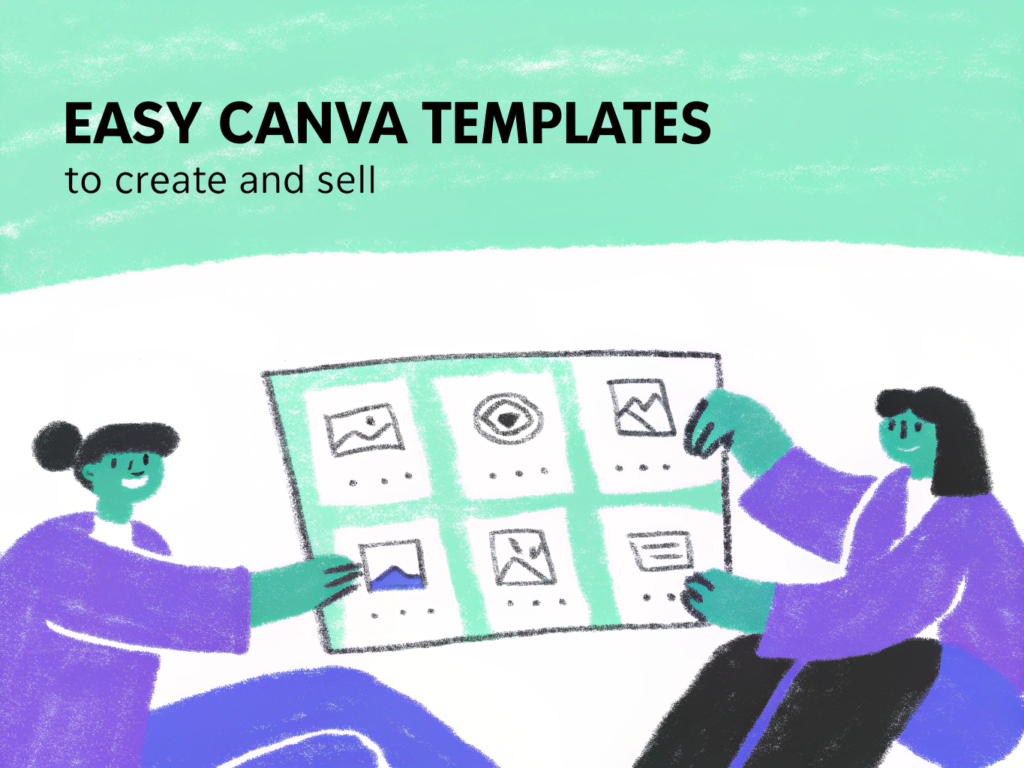
18+ Easy Canva Templates to Create and Sell
If you’re just getting started with digital products, Canva templates are one of the easiest things to create and sell. You don’t need advanced design skills. Just simple, clean, and useful templates often sell better than complicated designs.
With Canva for drag-and-drop design and idea support from OpenAI, beginners can quickly create templates that are practical and profitable.
Below are 18+ easy Canva templates you can create and sell online.
1. Instagram Post Templates
- Quote graphics
- Educational carousels
- Promotional posts
- Announcement designs
- Engagement question layouts
Start with one niche like fitness or real estate.
2. Instagram Story Templates
- Poll slides
- Q&A layouts
- Countdown designs
- Testimonial stories
- Product promo stories
Quick to design and highly in demand.
3. Pinterest Pin Templates
- Blog promo pins
- Affiliate product pins
- Vertical infographic layouts
- Aesthetic quote pins
- Sale announcement designs
Vertical layouts perform best.
4. Resume Templates
- Minimalist resumes
- ATS-friendly layouts
- Student resumes
- Creative resume styles
- Corporate resume designs
Career templates sell year-round.
5. Invoice Templates
- Simple freelancer invoices
- Service summary pages
- Monthly billing sheets
- Editable branding sections
- Payment breakdown layouts
Easy to design and very practical.
6. Content Calendar Templates
- Monthly posting planners
- Blog publishing sheets
- Campaign trackers
- Hashtag planners
- Video planning layouts
Creators always need organization tools.
7. Planner Page Templates
- Daily planners
- Weekly planners
- Habit trackers
- Goal-setting sheets
- Budget pages
Bundle multiple pages together.
8. Ebook Templates
- Lead magnet layouts
- Coaching workbook designs
- Checklist PDFs
- Mini-course guides
- Informational ebooks
High-value niche for online businesses.
9. Media Kit Templates
- Influencer rate cards
- Analytics showcase pages
- Brand pitch decks
- Collaboration sheets
- Portfolio layouts
Content creators need polished presentations.
10. Business Proposal Templates
- Service proposals
- Pricing tables
- Timeline sections
- Scope-of-work layouts
- Client onboarding pages
Freelancers buy these consistently.
11. YouTube Thumbnail Templates
- Bold text layouts
- Reaction-style thumbnails
- Educational video covers
- Podcast episode designs
- Gaming thumbnails
High demand among creators.
12. Brand Board Templates
- Logo placement layouts
- Color palette sheets
- Typography pairing guides
- Brand identity pages
- Social preview mockups
Perfect for new entrepreneurs.
13. Restaurant Menu Templates
- Cafe menus
- Price lists
- Seasonal menu layouts
- Special offer sheets
- Event menu designs
Local businesses update often.
14. Fitness Program Templates
- Workout plan layouts
- 30-day challenge sheets
- Meal plan pages
- Progress trackers
- Habit tracking forms
Health niche remains strong.
15. Study Planner Templates
- Exam prep sheets
- Assignment trackers
- Semester planners
- Reading logs
- GPA tracking sheets
Student niche is evergreen.
16. Event Flyer Templates
- Birthday party flyers
- Webinar announcements
- Business event posters
- Workshop flyers
- School event designs
Simple designs sell quickly.
17. Digital Journal Templates
- Gratitude journals
- Reflection pages
- Self-care planners
- Mindset worksheets
- Habit logs
Wellness niche performs consistently.
18. Price List Templates
- Coaching packages
- Photography pricing sheets
- Salon service menus
- Freelancer offers
- Consulting service guides
Clear pricing layouts are always needed.
19. Social Media Highlight Covers
- Minimalist icon sets
- Branded highlight covers
- Aesthetic color themes
- Business highlight icons
- Lifestyle icon packs
Quick to create and easy to bundle.
Tips to Make Easy Templates Sell
- Choose one niche instead of designing everything
- Keep layouts clean and simple
- Use easy-to-edit fonts
- Include clear instructions for buyers
- Offer bundles instead of single files
Specific templates sell better than generic ones.
FAQs
Do I need Canva Pro to start selling?
No, you can start with the free version. Canva Pro gives access to more elements and mockups, which can improve product quality.
How much should I charge?
Single templates usually sell for $5–$15. Bundles can range from $25–$75 depending on niche and value.
Where can I sell Canva templates?
You can sell on digital marketplaces, your own website, or promote through social media and email marketing.
Are Canva templates beginner-friendly?
Yes. Canva’s drag-and-drop system makes it easy to create clean, professional designs even with minimal experience.
Conclusion
Canva templates are one of the easiest digital products to create and sell. They require low startup costs, simple design skills, and can generate scalable income.
Start small, focus on one niche, and gradually build bundles. With consistency and smart positioning, easy Canva templates can turn into a reliable online business.

- 21+ Print on Demand Ideas for Beginners - March 29, 2026
- 18+ AI Affiliate Marketing Ideas - March 27, 2026
- 29+ Passive Faceless Income Ideas - March 27, 2026