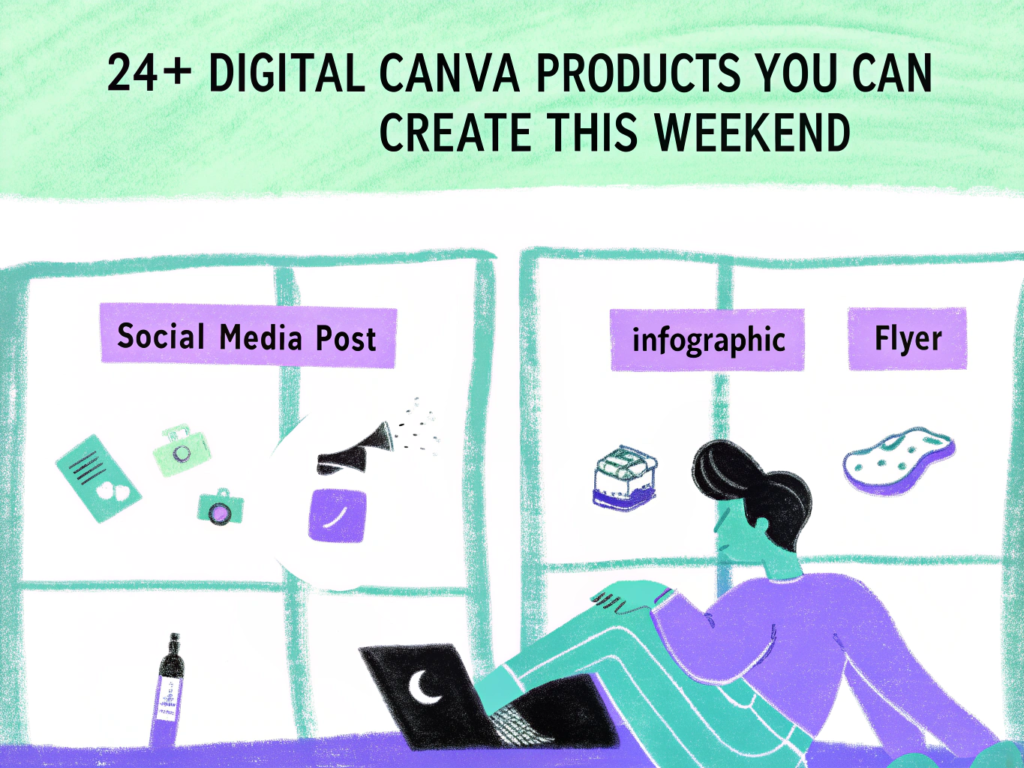
24+ Digital Canva Products You Can Make This Weekend
If you want to start selling digital products fast, Canva makes it incredibly simple. You can design, export, and upload products within a few days, sometimes even in a single weekend.
With Canva for drag-and-drop design and idea support from OpenAI, you can create clean, beginner-friendly products that are practical and profitable.
Below are 24+ digital Canva products you can realistically create this weekend.
1. Instagram Carousel Templates
- Educational post slides
- Step-by-step guides
- Quote carousels
- Business tips layouts
- “Before & After” slides
Create 10 slides and sell as a bundle.
2. Instagram Story Templates
- Poll templates
- Q&A layouts
- Product promo slides
- Countdown graphics
- Testimonial designs
Quick to design and highly sellable.
3. Pinterest Pin Templates
- Blog promo pins
- Affiliate product pins
- Vertical quote designs
- Infographic layouts
- Seasonal sale graphics
Vertical designs are easy to batch create.
4. Resume Templates
- Minimalist layout
- Modern professional design
- Student resume
- ATS-friendly version
- Creative resume style
One solid design can be repurposed into variations.
5. Ebook Template
- Cover design
- Table of contents page
- Chapter layout
- Quote pages
- Checklist pages
Sell as a lead magnet template for businesses.
6. Printable Planner Pages
- Daily planner
- Weekly planner
- Habit tracker
- Goal-setting sheet
- Budget page
Bundle 10–15 pages together.
7. Invoice Templates
- Freelancer invoice
- Service summary sheet
- Branded invoice layout
- Monthly billing sheet
- Editable payment breakdown
Simple but always needed.
8. Business Proposal Template
- Cover page
- Pricing table
- Scope of work
- Timeline layout
- Client agreement page
High-value digital product.
9. Media Kit Template
- Influencer intro page
- Analytics summary
- Audience breakdown
- Pricing packages
- Contact details page
Creators constantly need these.
10. Brand Board Template
- Logo placement section
- Color palette layout
- Typography pairing
- Brand mission page
- Social preview mockups
Easy to design with grids.
11. Content Calendar Template
- Monthly planner
- Weekly breakdown
- Hashtag tracker
- Campaign planning sheet
- Analytics tracker
Strong demand from creators.
12. Fitness Tracker Pack
- Workout log
- Meal planner
- Progress tracker
- 30-day challenge sheet
- Habit tracker
Health niche performs consistently.
13. Study Planner Template
- Exam revision sheet
- Assignment tracker
- Semester planner
- Reading log
- GPA tracker
Students always need structure.
14. Wedding Invitation Template
- Main invite
- RSVP card
- Save-the-date card
- Menu card
- Seating chart
Event niche sells year-round.
15. Restaurant Menu Template
- Cafe menu
- Price list
- Seasonal menu
- Special offers page
- Printable table menu
Local businesses update often.
16. YouTube Thumbnail Templates
- Bold title layout
- Reaction-style thumbnail
- Educational cover
- Podcast episode design
- Gaming style thumbnail
Create 10 variations quickly.
17. Social Media Highlight Covers
- Minimalist icon set
- Branded highlight covers
- Aesthetic color themes
- Business highlight icons
- Lifestyle theme pack
Small but high-volume seller.
18. Digital Journal Pages
- Gratitude journal
- Reflection prompts
- Self-care planner
- Habit tracker
- Goal review sheet
Wellness niche stays strong.
19. Price List Templates
- Coaching service sheet
- Photography pricing
- Salon price list
- Freelancer packages
- Consulting offers
Clear pricing layouts are practical and in demand.
20. Event Flyer Templates
- Webinar flyer
- Workshop poster
- Birthday party design
- School event flyer
- Business launch announcement
Fast to create and sell.
21. Lead Magnet Cover Templates
- Ebook cover
- Checklist cover
- Guide thumbnail
- Freebie graphic
- Landing page preview image
Perfect add-on product.
22. Real Estate Social Media Templates
- Property listing posts
- “Just sold” graphics
- Open house flyers
- Market update posts
- Client testimonial layouts
Niche-specific templates sell better.
23. Affiliate Marketing Templates
- Product comparison sheet
- Review layout
- Resource list page
- Bonus offer template
- Recommendation guide
Great for online marketers.
24. Presentation Slide Templates
- Startup pitch deck
- Webinar slides
- Educational presentation
- Portfolio showcase
- Investor summary slides
Professional niche allows higher pricing.
25. Digital Product Mockup Templates
- Laptop mockup
- iPad screen preview
- Phone display layout
- Ebook mockup
- Social preview image
Helps other sellers present products professionally.
How to Finish in a Weekend
Day 1:
- Choose one niche
- Design 10–20 pages
- Keep fonts and colors consistent
- Duplicate layouts for variations
Day 2:
- Create mockups
- Write product description
- Export PDF + share template link
- Upload to marketplace
Speed comes from simplicity.
FAQs
Can I really create and sell these in one weekend?
Yes, especially if you focus on one niche and create a bundle instead of multiple separate products.
Do I need Canva Pro?
You can start with free Canva, but Canva Pro offers better graphics, fonts, and mockups that improve product quality.
How much can I charge?
Small bundles: $15–$35
Large niche bundles: $47–$97+
Pricing depends on value and niche demand.
Where can I sell Canva products?
You can sell through digital marketplaces, your own website, or promote via social media and email marketing.
Conclusion
Canva makes it possible to create sellable digital products quickly — even in a single weekend. The key is focusing on one niche, keeping designs simple, and bundling related templates together.
Start with one product, launch it, and improve from feedback. With consistency, weekend projects can turn into long-term digital income streams.

- 21+ Print on Demand Ideas for Beginners - March 29, 2026
- 18+ AI Affiliate Marketing Ideas - March 27, 2026
- 29+ Passive Faceless Income Ideas - March 27, 2026