What Is a Digital Download and How Do You Start Selling One?
If you have spent any time on Etsy, Gumroad, or social media in the last couple of years, you have seen people selling digital downloads and making what sounds like passive income. Download once, sell forever, no shipping, no inventory. It sounds almost too simple to be real.
The core idea is genuinely real but most beginner content skips the practical details that actually determine whether you make sales or spend weeks building something nobody buys. This guide covers exactly what a digital download is, how the whole thing works from a buyer and seller perspective, and the honest step by step process for starting your first one.
What Is a Digital Download
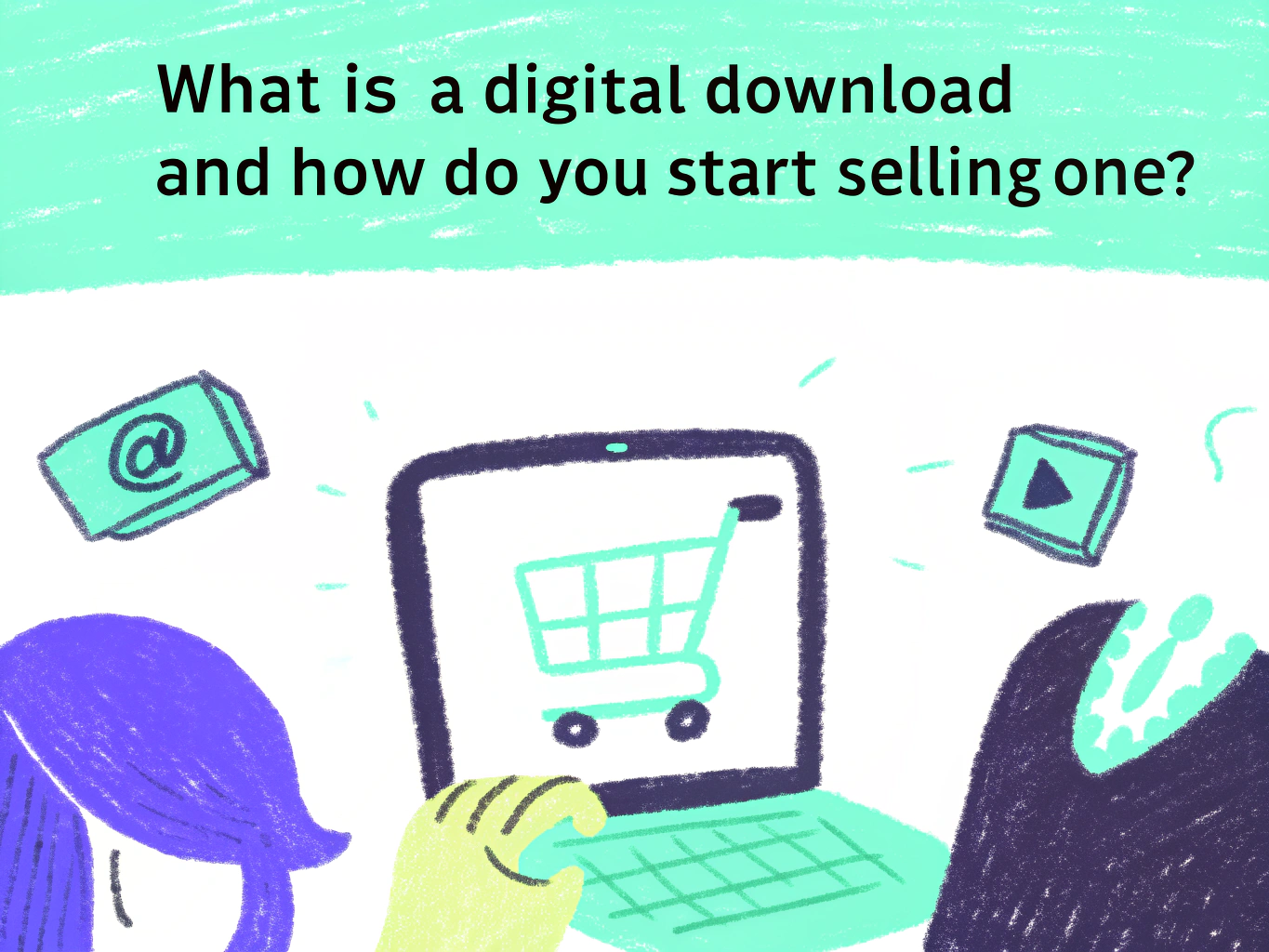
A digital download is a file that a buyer purchases and receives instantly through a download link, with no physical shipping involved. The moment a transaction completes, the buyer gets access to the file and can open, save, or print it on their own device.
The file itself can be almost anything. A PDF ebook, a printable planner, a Canva template, a Notion workspace, a collection of social media graphics, a spreadsheet, a set of digital illustrations, sheet music, a lightroom preset, or a piece of digital wall art. What makes it a digital download rather than a digital service is that the buyer receives an actual file they can use independently, not access to your time or a subscription to ongoing content.
From a seller perspective, the appeal is straightforward. You create the file once and it can be sold hundreds or thousands of times without any additional production cost. Your profit margin on the hundredth sale is essentially identical to your profit margin on the first sale, which is almost never true with physical products.
How the Delivery Process Actually Works
Understanding how delivery works matters before you pick a platform because different platforms handle it differently and buyers have clear expectations around instant access.
On Etsy, when a buyer completes their purchase, Etsy automatically sends them a download link to access the files directly from their Etsy account. No action required from you as the seller. The buyer clicks download, saves the file, and uses it. This automation is one of the reasons Etsy works well for digital downloads at scale — you can be asleep on the other side of the world and a buyer in another country is getting instant access to their purchase without you doing anything.
On Gumroad, the process works similarly. The buyer pays, receives an email with a download link, and accesses the file. Gumroad hosts your files and handles delivery automatically. You upload once and the platform does the rest indefinitely.
On your own website using a plugin or integration, the mechanics depend on what you set up but the buyer experience should be the same — instant access after payment. Any meaningful delay between payment and file access creates negative buyer experiences and support requests.
The Real Difference Between a Digital Download and a Digital Product
These two terms get used interchangeably but there is a meaningful distinction worth understanding.
A digital download is specifically a file the buyer receives and owns. A digital product is a broader category that includes downloads but also includes things like online courses, memberships, subscriptions, software access, and coaching programs where the buyer is paying for access to something rather than a file they keep.
For beginners, digital downloads are the most accessible entry point because they require no ongoing content creation after the product is built, no platform complexity for membership management, and no real-time delivery. You build the file, upload it, and it works.
What Digital Downloads Are Actually Selling in 2026
The ecommerce market for digital products is projected to reach over $5.89 trillion by 2029 and the growth is being driven significantly by individual creators selling downloadable files rather than only large companies. That context matters because it confirms the market is real and still growing, not saturated at the level that would stop a focused beginner from building meaningful income.
The categories generating the most consistent sales right now are printable planners and productivity templates, Canva templates for social media and business materials, Notion workspace templates, short focused ebooks and guides, digital wall art and printable home decor, educational worksheets and activity sheets, resume and business document templates, and content calendars and social media kits.
What connects the top sellers across all these categories is specificity. Generic budget trackers compete with thousands of identical listings. A budget tracker specifically designed for self-employed creatives who get paid irregularly competes with almost nothing and attracts a buyer who feels like it was made exactly for their situation.
Step 1: Choose What You Are Going to Sell
Before you think about tools, platforms, or design, you need to decide what problem you are solving for which specific person.
The most reliable way to find a product worth building is to research what buyers are already purchasing rather than guessing what you think sounds good. Browse the top selling listings on Etsy in a category you are interested in and look at which listings have the most reviews. Those review counts are validated proof that real buyers are spending real money on that type of product.
Look at Reddit communities, Facebook groups, and YouTube comment sections in your niche and pay attention to repeated questions and frustrations. Every time someone says “I wish there was a template for this” or “does anyone know a good resource for that,” they are describing a potential digital download product.
Your first product does not need to be perfect or comprehensive. A lean, focused product that solves one clear problem is easier to build, easier to describe in a listing, and easier for a buyer to understand than an everything-included mega-bundle. Get your first product live, get your first reviews, and build from there.
Step 2: Create Your File
The creation process depends entirely on what you are building but here are the tools that actually work for the most common beginner digital download types.
For printables, planners, and designed PDFs, Canva free is genuinely sufficient for building professional-looking products. Create your design at the correct dimensions for your product type, keep your layout clean and readable, and export as PDF Standard for screen-based products or PDF Print for anything buyers might physically print.
For ebooks and written guides, write your content in Google Docs first before touching any design tool. Get the full draft finished and edited before you think about layout. Then either format it directly in Google Docs with clean heading styles and consistent fonts, or bring the finished content into a Canva ebook template for a more designed result. Export as PDF.
For Notion templates, build the workspace in Notion, test everything thoroughly, share it with “Allow duplicate as template” enabled, and deliver the share link via a simple one-page PDF instruction sheet.
For spreadsheet-based products like budget trackers or content calendars, build in Google Sheets, test every formula and function, and deliver either a Google Sheets link that buyers copy to their own Drive or an Excel file that buyers download and open locally.
Regardless of what you build, test your final product yourself from the buyer’s perspective before listing it. Open the PDF on a different device. Check that every formula works. Confirm every link goes where it should. Catching problems before your buyers find them is the difference between five-star reviews and support emails.
Step 3: Choose Where to Sell
This is where most beginner guides give vague advice about “choosing the right platform for you.” Here is a more honest breakdown of what each option actually means in practice.
Etsy is the strongest starting platform for most beginners because it has built-in buyer traffic. Millions of people search Etsy specifically for digital downloads every day and a well-optimized listing can start receiving views within days of going live without you having any existing audience or following. The trade-off is fees — Etsy charges a $0.20 listing fee per product, a 6.5% transaction fee on each sale, and payment processing fees on top. Understanding your take-home per sale before you set your price matters.
Gumroad works best when you already have an audience or a way to drive your own traffic. The fee structure is 10% plus $0.50 per transaction for direct sales where you send the buyer, jumping to a flat 30% for sales where buyers discover your product through Gumroad’s own marketplace. Setup is fast and simple with no listing fees, making it genuinely low-risk for testing a product idea. Gumroad also handles all global tax collection automatically as of 2025 which removes a meaningful administrative burden for sellers.
Payhip is a strong alternative to Gumroad that many beginner sellers overlook. It offers a free plan with a 5% transaction fee per sale, EU VAT handling, coupon codes, and affiliate programs built in. For sellers who want slightly more storefront customization than Gumroad offers without the complexity of a full website, Payhip is worth considering.
Your own website gives you full control and the lowest per-sale fees long term but requires you to drive all your own traffic. This approach makes more sense as a second step once you have proven your product sells on a marketplace and have started building an audience through social media or email.
Most successful digital download sellers use multiple platforms simultaneously. Start with one that matches your current situation — marketplace if you have no audience, direct platform if you do — and expand once you have proven your concept works.
Step 4: Price Your Product Honestly
Pricing digital downloads is where beginners most consistently undersell themselves and the damage is two-directional. Pricing too low reduces your revenue obviously but it also signals low quality to buyers who are using price as one of their primary quality signals before they have any reviews to reference.
A simple single-page printable or checklist is reasonably priced in the $2 to $5 range. A multi-page planner or template pack sells well in the $8 to $18 range. A comprehensive bundle with 20 or more pieces, or a focused ebook solving a specific professional problem, can reasonably be priced from $15 to $35 depending on niche and perceived value.
Look at what the top selling listings in your specific niche are charging, not the cheapest listings you can find. The cheapest listings represent sellers who either have no pricing strategy or are racing to the bottom. The top sellers represent price points that thousands of real buyers have validated through actual purchases.
Step 5: Write Your Listing to Convert Browsers Into Buyers
Your listing is the salesperson standing between your file and a completed purchase. A weak listing loses the sale every time regardless of how good the product behind it is.
Your title should lead with the keyword phrase your specific buyer would actually type into search. Be specific about what the product is and who it is for. Your description should open by speaking to the problem your product solves before describing the product itself. List exactly what is included with specific detail — file format, page count, dimensions, whether any specific software is required. Answer the questions buyers always have before they have to ask them.
Use all available tags on whichever platform you are selling on. On Etsy that means all 13 tags using a mix of broad category terms and highly specific buyer-intent phrases. Your tags are search entry points and leaving any unused is leaving potential visibility on the table.
Upload clean, professional images showing your product. Buyers cannot open or preview your file before purchasing so your images are doing all the selling. Show the product clearly, show the quality of the design or content, and if possible show an example of it in use.
Step 6: Market Your Product Outside Your Listing
Listing your product and waiting is not a complete strategy. The sellers who build consistent digital download income actively drive traffic to their listings, particularly in the early period when their listings have no reviews yet and limited organic search ranking.
Pinterest is the highest-leverage free marketing channel for most digital download products because it is a visual search engine where buyers actively look for exactly the types of products you are selling. Create pins for your products with keyword-rich descriptions and link directly to your listing. Pinterest traffic compounds over time in a way that one-time social media posts do not.
Short-form video on TikTok and Instagram Reels showing your product — a scroll through the planner pages, a walkthrough of the template, a quick explanation of what the ebook covers — consistently reaches new buyers without requiring an existing following. The content of a genuinely useful product sells itself when presented clearly.
An email list is worth starting from day one even if it grows slowly. Offering a shorter or simpler free version of your product in exchange for an email address builds a list of people who have already demonstrated they want what you sell. That list becomes your most reliable asset for every new product launch.
Common Mistakes Beginners Make With Digital Downloads
Creating a product without researching whether buyers are actively searching for it is the most expensive mistake and the most common one. A beautiful product solving a problem nobody is searching for makes zero sales.
Trying to appeal to everyone instead of a specific person is a close second. Generic products compete in the most crowded parts of the market. Specific products find their exact buyer more easily and convert them more reliably.
Relying on a single sales channel too early limits your growth unnecessarily. Diversifying across Etsy, a direct platform, and your own marketing channels reduces risk and multiplies your visibility.
Skipping the testing phase before listing leads to frustrated buyers who discover problems you would have found yourself with a ten-minute review of the final product.
Expecting instant income is the mindset that causes most beginners to quit before they see results. Most creators experience one to two months of low or zero sales before momentum builds. The sellers who build real income from digital downloads are not the ones who got lucky early — they are the ones who kept improving their products and listings based on what the market showed them.
Frequently Asked Questions
Do I need a website to sell digital downloads?
No. Platforms like Etsy, Gumroad, and Payhip handle everything including product hosting, payment processing, file delivery, and in some cases tax collection. You can run a legitimate digital download business entirely through these platforms without owning a website. A website becomes more valuable as your business grows and you want more control over your brand and customer relationships.
Can someone steal or pirate my digital download after purchasing it?
The risk of piracy is real and it is one of the genuine challenges of selling digital products compared to physical ones. Practically speaking, most buyers are honest and purchase legitimately. For sellers who want to reduce risk, watermarking PDFs, using download limits on platforms that support them, and clearly stating your terms of use in your listing are reasonable precautions. Completely eliminating the risk is not possible but most sellers find it affects a small enough percentage of their sales that it does not meaningfully impact their business.
What file format should I use for my digital download?
PDF is the most universally compatible format for designed documents, printables, planners, and ebooks. It preserves your design layout across every device and requires no special software beyond a free PDF reader. PNG or JPEG are appropriate for digital art and graphic files. For templates intended for use in specific tools like Canva or Notion, you deliver a link rather than a file download.
How many products do I need before opening an Etsy shop?
Aim for at least 5 to 10 listings before you officially launch so your shop looks established rather than empty. Each listing is an independent search entry point on Etsy, meaning more listings equals more chances to be found. Getting to 20 or more listings as quickly as your quality allows is a sensible early goal.
Final Thoughts
A digital download is one of the most genuinely accessible business models available to beginners in 2026. The tools to create one are free, the platforms to sell on have built-in buyer traffic, and the ongoing cost of maintaining a digital product business is minimal compared to almost any physical product alternative.
The gap between sellers who build meaningful income from digital downloads and those who give up after a few weeks is almost never about talent or technical skill. It is almost always about whether they took the time to research real demand before building, created something specific enough to attract a clear buyer, and kept improving based on what the market actually showed them.
Pick one product type. Research whether buyers are searching for it. Build something genuinely useful for one specific person. List it somewhere those buyers already look. Then improve from there.
That is the complete starting formula and it works every time it is followed honestly and consistently.

- 25+ Profitable Print on Demand Products to Sell - July 25, 2026
- 24+ Beginner Friendly Print on Demand Business Ideas - July 15, 2026
- 20+ Low Risk Print on Demand Products - July 5, 2026