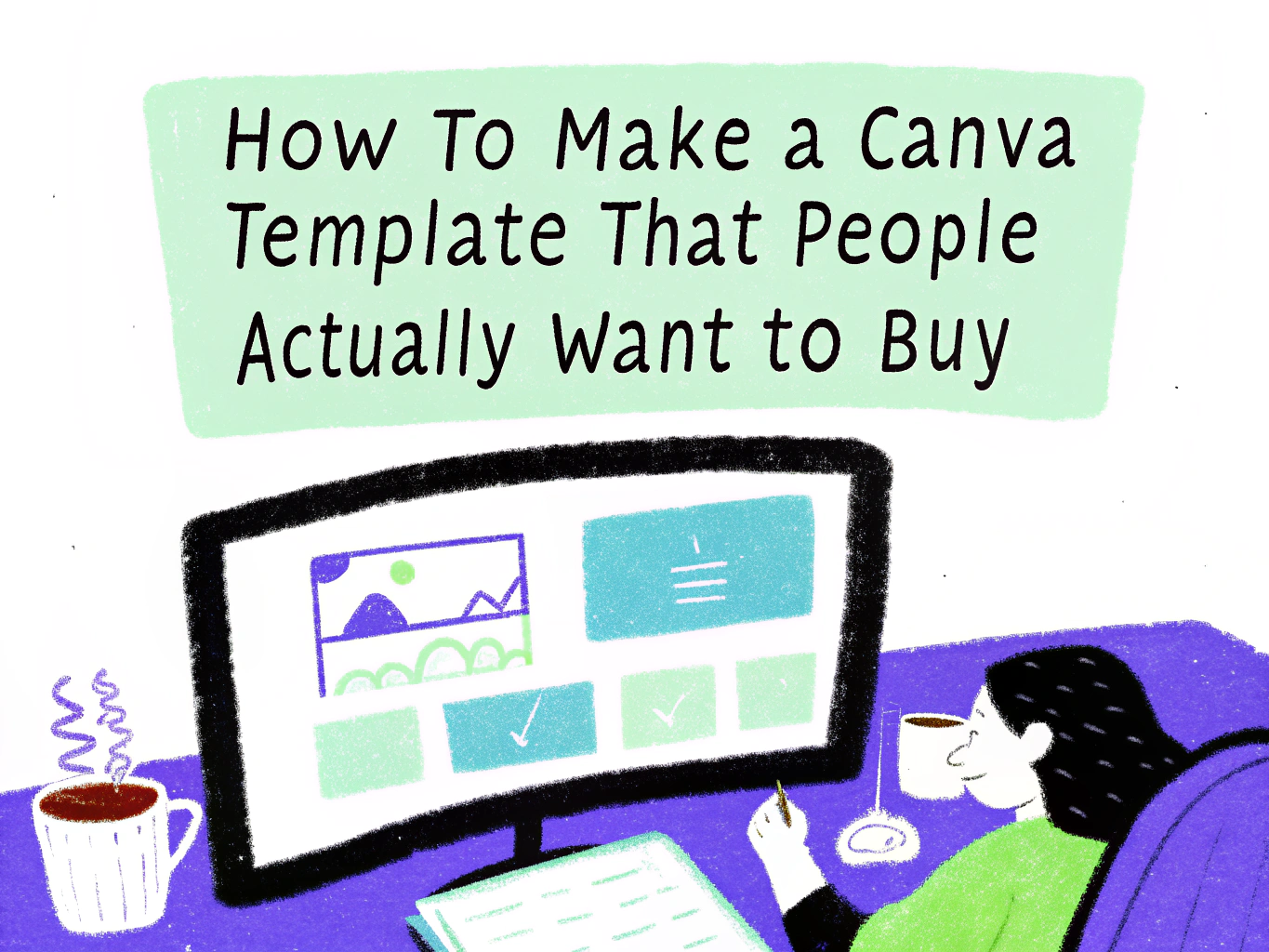
How to Make a Canva Template That People Actually Want to Buy
Selling Canva templates is one of the most beginner-friendly ways to earn passive income online. You design something once, list it, and it can sell hundreds of times without any extra work on your part. But here’s the truth most beginner sellers learn the hard way: not every template sells. A beautiful design that nobody needs is just a pretty file sitting in your shop.
This guide walks you through exactly how to make a Canva template that people actually want to buy, from research and design to delivery and marketing.
What Is a Canva Template and Why Do People Buy Them?
A Canva template is a pre-designed file built inside Canva that a buyer can open, customize with their own text, colors, and images, and use for their own purposes. People buy them because they want a professional-looking result without the time, skill, or budget to design from scratch.
Common buyers include small business owners, social media managers, coaches, bloggers, real estate agents, and anyone who needs to produce consistent visual content regularly. When your template solves a real, recurring problem for one of these people, it sells.
Step 1: Research What People Actually Want to Buy
The biggest mistake new template sellers make is designing what they personally find beautiful rather than what buyers are actively searching for.
Where to Do Your Research
Start by browsing the top-selling shops on Etsy, Creative Market, and Design Bundles. Look at which templates have hundreds or thousands of sales. Pay attention to the categories, not just the aesthetics. A template with 3,000 sales in a niche you hadn’t considered is valuable market data.
Next, use Etsy’s search bar as a keyword tool. Type “Canva template” and see what autocomplete suggestions come up. Those suggestions are real searches people are making right now. Note every variation that shows up.
High-Demand Canva Template Niches in 2026
Some of the most consistently profitable template categories include social media post and story templates, business and media kits, lead magnets and ebooks, planner and journal pages, pitch decks and presentations, wedding and event stationery, real estate marketing materials, and coach or course creator content packs.
Narrowing into a specific sub-niche like Instagram templates for fitness coaches, or media kits for food bloggers, almost always outperforms a generic, catch-all pack.
Step 2: Choose the Right Template Type
Once you know what’s selling, decide what format your template will take. This shapes every design decision that follows.
Single Templates vs. Bundles
Single templates are easier to create and price lower, making them a good entry point for building reviews and shop credibility. Bundles — a collection of 10, 20, or 30 coordinated templates command higher prices and tend to generate more revenue per sale. Most successful shops start with singles and graduate to bundles once they understand what their audience wants.
Picking the Right Canva Dimensions
Always design for the exact dimensions your buyer needs. Instagram posts are 1080 x 1080px. Stories and TikTok covers are 1080 x 1920px. A4 documents are 210 x 297mm. Pinterest pins are 1000 x 1500px. Using incorrect dimensions is one of the most common complaints in negative template reviews, so get this right from the start.
Step 3: Design Your Template the Right Way
Good template design is different from good general design. You’re not just making something that looks great but you’re making something that’s easy for a non-designer to edit and customize confidently.
Keep It Clean and Editable
Avoid overly complex layouts with too many elements. Every piece of text should be in its own text box so buyers can swap it out easily. Group elements logically. Use Canva’s alignment tools to keep spacing consistent. If a buyer opens your template and feels overwhelmed, they’ll leave a bad review regardless of how beautiful it looks.
Use Free Canva Elements Only
This is critical. If your template contains elements that require a Canva Pro subscription, free-plan users won’t be able to fully edit it. Stick exclusively to free fonts, free stock photos, and free Canva elements unless you explicitly state in your listing that a Pro account is required.
Build a Cohesive Color System
Choose a palette of 4 to 6 colors and use them consistently across your template. Include a neutral, a dark tone for text, a light background tone, and 1 to 2 accent colors. Buyers want to swap these for their own brand colors, so keep the color count manageable. Name your color palette clearly in your template notes or mockup graphics.
Typography Matters More Than Most Sellers Think
Pick 2 fonts maximum, one display font for headings and one clean, readable font for body text. Avoid trendy or overly decorative fonts that are hard to read at small sizes. Canva’s built-in font pairings are a good starting point if you’re unsure.
Step 4: Create Professional Mockups
Your mockup images are your storefront. Buyers cannot preview the template itself before purchasing, so your mockup photos are doing all the selling. A mediocre template with stunning mockups will consistently outsell a beautiful template with poor presentation.
How to Create Mockups
Use Canva itself, Placeit, or Smartmockups to place your template designs onto realistic device screens, notebooks, or lifestyle settings. Create at least 5 to 8 mockup images per listing. Show the full template, individual slides or pages, close-up details, and an example of how it looks when customized with real brand content.
What Your Mockup Images Should Show
Your first image should immediately communicate what the product is and who it’s for. Subsequent images should show the full scope of what’s included, close-up details of design quality, the color palette options if you offer multiple, and a before-and-after showing a blank template versus a filled-in customized version.
Step 5: Prepare Your Template for Delivery
How you deliver your template is just as important as the design itself. A confusing delivery process leads to frustrated buyers and refund requests.
How Canva Template Sharing Works
You do not send a Canva file directly. Instead, you share a Canva template link. Go to your Canva design, click Share, then select “Template link.” This gives buyers a link they can click to open a personal copy of your template in their own Canva account. They edit their copy, your original is never touched.
What to Include in Your Delivery File
Create a simple PDF that includes the template link, brief instructions for how to use it, tips for customizing fonts and colors, and your shop policies. Keep it to one page. Buyers want to get started quickly, not read an instruction manual.
Step 6: Write a Listing That Converts
Even the most beautiful template won’t sell if the listing doesn’t communicate its value clearly. Your title, description, and tags are also your SEO, they determine whether buyers find you in the first place.
Writing Your Title
Lead with the most searched keyword phrase, then add specifics. A strong title looks like: “Instagram Story Templates for Small Business – 20 Canva Templates, Editable, Minimal.” Include the quantity, the platform or use case, and a key feature or style word. Keep it under 140 characters.
Writing Your Description
Open with one or two sentences that speak directly to the buyer’s problem. Follow with a bullet list of exactly what’s included like quantity, dimensions, file format, and features. Then address common questions: Is Canva Pro required? Are the fonts free? Can they use this for commercial projects? Close with a brief line about your shop or a soft call to action.
Choosing Your Tags
On Etsy, you get 13 tags. Use all of them. Mix broad terms like “Canva template” with specific phrases like “real estate Instagram template” or “editable social media kit.” Think about what your specific buyer would type into the search bar when they’re frustrated and need a solution fast.
Step 7: Price Your Templates Strategically
Pricing too low signals low quality. Pricing too high without reviews to back it up scares buyers away. Finding the right price point is about positioning, not just cost.
Recommended Pricing by Template Type
Single templates typically sell for $3 to $8. Small packs of 5 to 10 templates typically sell for $8 to $18. Large bundles of 20 or more templates can reasonably be priced from $18 to $45 or higher, depending on the niche and perceived value. Research what the top sellers in your specific niche are charging and position yourself within that range, not dramatically below it.
Don’t Race to the Bottom
Heavily discounting your templates to compete on price alone is a losing strategy. Competing on quality, presentation, and niche specificity is far more sustainable and profitable long term.
Step 8: Market Your Templates Beyond Your Shop
Listing your templates and waiting is not a strategy. The sellers who build consistent income actively drive traffic to their shops.
Pinterest Is Your Best Friend
Pinterest is a visual search engine where buyers actively look for design resources. Create pins for every template you sell. Use keyword-rich descriptions and link directly to your listing. Pin consistently, even 5 to 10 pins per week compounds significantly over several months.
Use Instagram and TikTok to Show the Process
Short videos showing your template being customized in real time perform exceptionally well on both platforms. You don’t need to show your face. A screen recording of you editing the template, set to trending audio, can reach thousands of people who are exactly your target buyer.
Build an Email List From Day One
Offer one free Canva template in exchange for an email address. This builds a list of people who are already proven to want what you sell. Every time you launch a new template pack, your email list is your first and most reliable source of sales.
Common Mistakes to Avoid When Selling Canva Templates
Designing for yourself instead of your buyer is the most expensive mistake you can make. Other common pitfalls include using Canva Pro elements without disclosing it, providing no instructions and leaving buyers confused, creating low-resolution mockups that make the product look cheap, copying another seller’s style too closely, and neglecting to respond to customer messages promptly.
Each of these mistakes costs you reviews, repeat buyers, and long-term shop credibility.
Frequently Asked Questions
Do I need Canva Pro to sell templates?
No. You can create and sell templates using a free Canva account. However, Canva Pro gives you access to a much larger library of elements, fonts, and photos, which can elevate your design quality. Just remember that if you use Pro elements in your template, your buyers will also need Pro to access them fully.
Can I sell Canva templates on multiple platforms at once?
Yes. Most sellers list on Etsy, Creative Market, and their own website simultaneously. There is no exclusivity requirement. Diversifying across platforms reduces your risk and increases your visibility.
How many templates do I need before opening my shop?
Aim for at least 5 to 10 listings before launching so your shop looks established and gives buyers multiple options to browse. More listings also means more entry points from search, which compounds your organic traffic over time.
How long does it take to start making sales?
Most new shops see their first sales within 2 to 6 weeks if the listing is well-optimized and the niche has proven demand. Consistent new listings, active Pinterest marketing, and gathering your first few reviews are the biggest accelerators in that early period.
Final Thoughts
Making a Canva template that people actually want to buy comes down to one thing: solving a real problem for a specific person. The design skill matters, the mockups matter, and the listing copy matters but none of it works if you haven’t first identified a genuine need in the market.
Start with research. Design with your buyer in mind. Present your work beautifully. Then show up consistently to market it. That’s the formula that turns a side project into a real stream of income.

- 25+ Profitable Print on Demand Products to Sell - July 25, 2026
- 24+ Beginner Friendly Print on Demand Business Ideas - July 15, 2026
- 20+ Low Risk Print on Demand Products - July 5, 2026